01PHONE · SERVICES
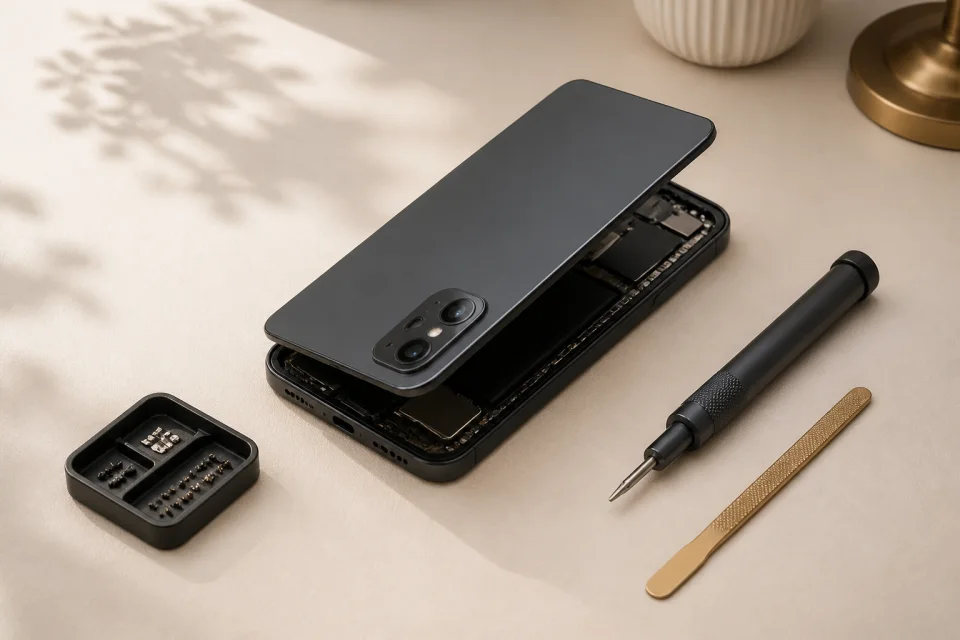
Phones
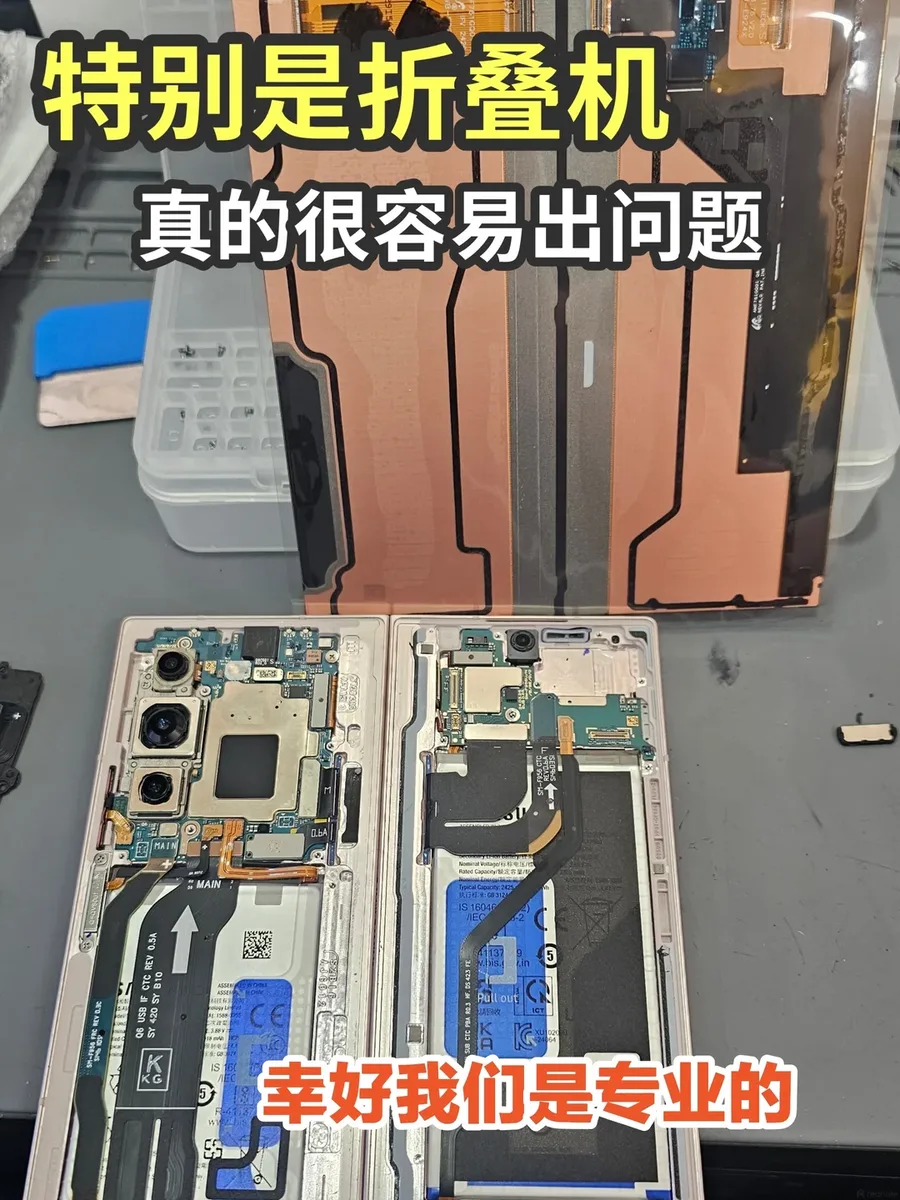
iPhone, Samsung, Xiaomi, OPPO, Realme, Pixel & more, incl. foldables.
Choose a phone symptom ↓
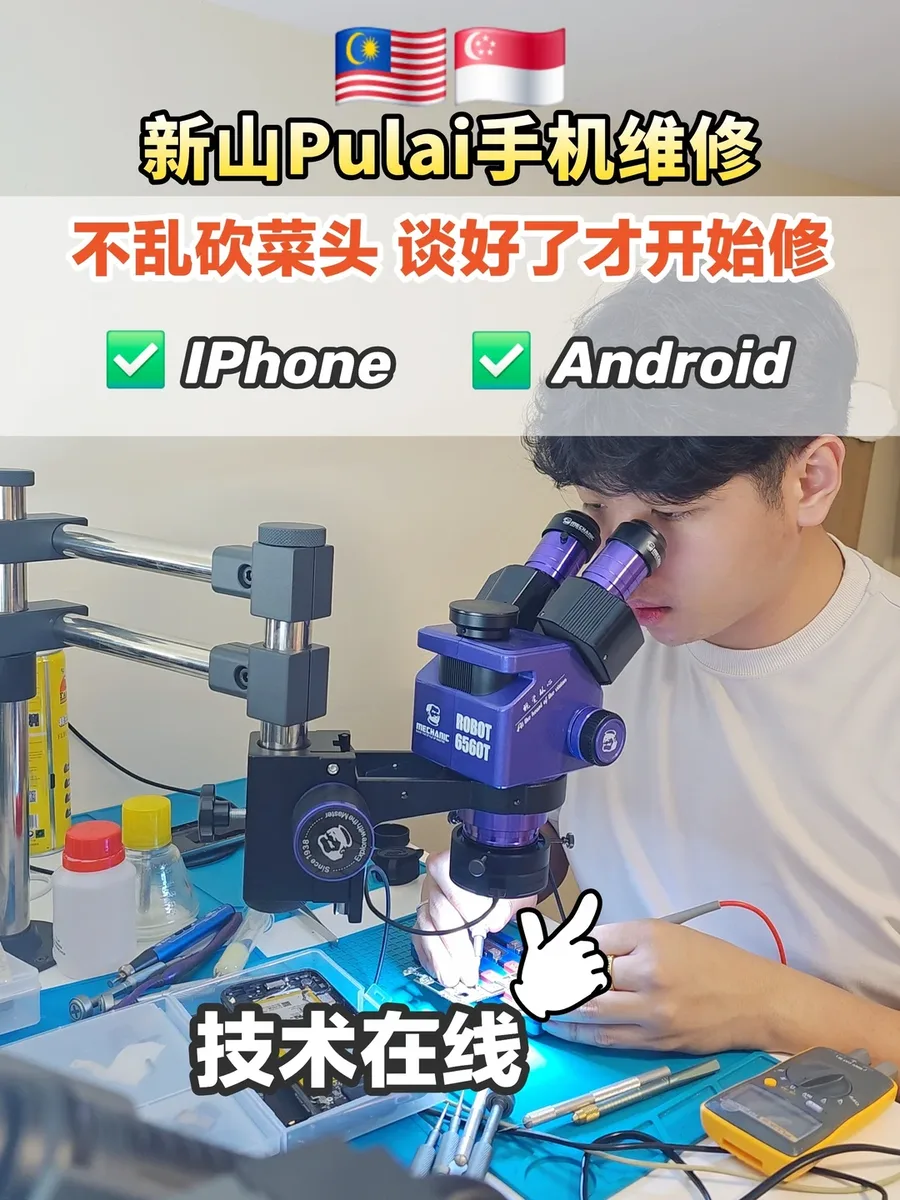
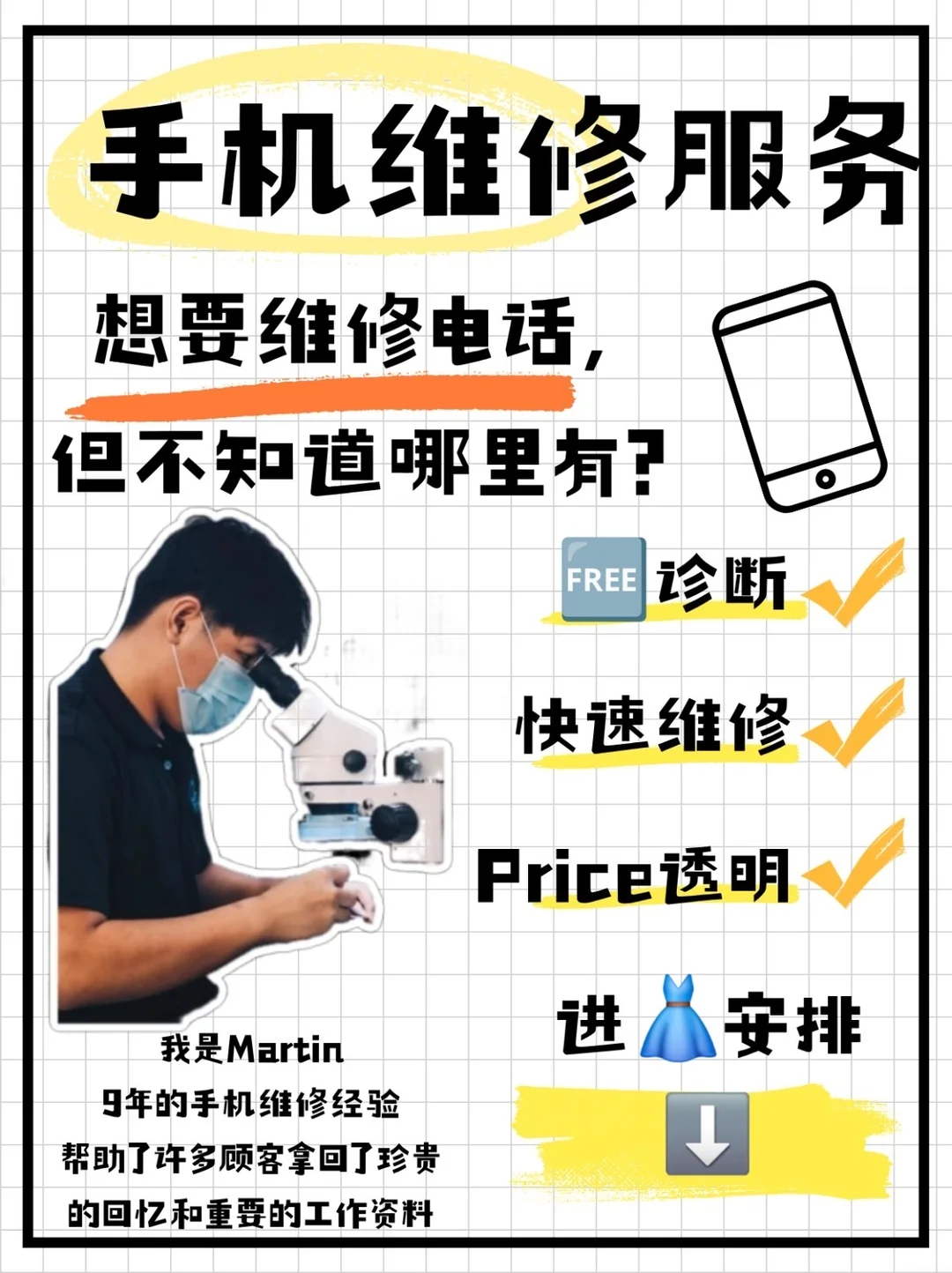
Martin · Kangkar Pulai, JB · 9 years in repair
Send the model, fault image and what happened first; then Martin checks which layer the fault is in and whether repair makes sense.
Phones, tablets, laptops and board-level work; each model is assessed first.







SHEET 01 · DEVICES & SERVICES
Grouped by device, so you can start with the category and then move into symptom checks and repair confirmation.
iPhone, Samsung, Xiaomi, OPPO, Realme, Pixel & more, incl. foldables.
Choose a phone symptom ↓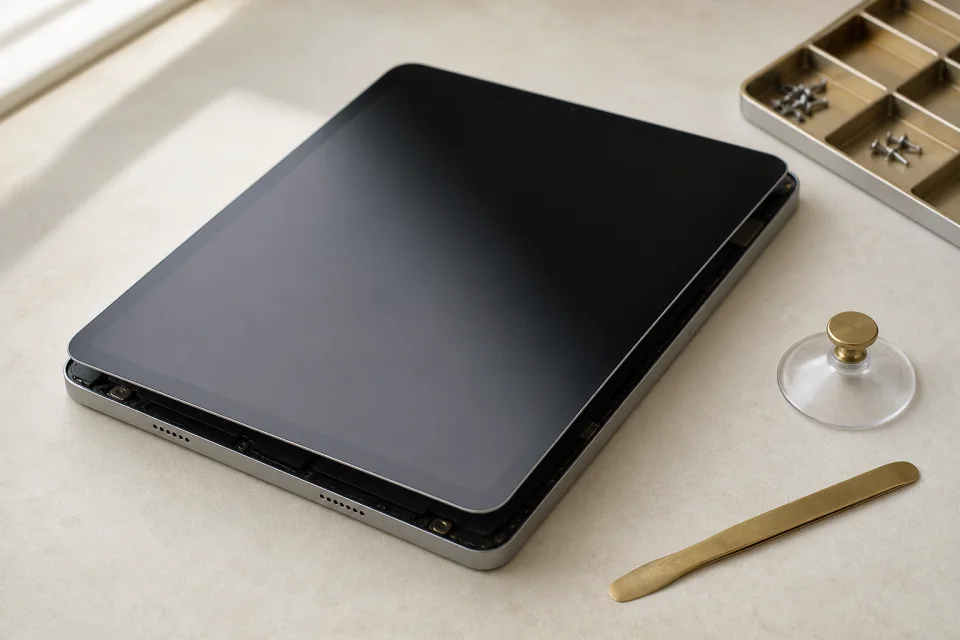
Screen, charging, battery & board issues.
Choose a tablet symptom ↓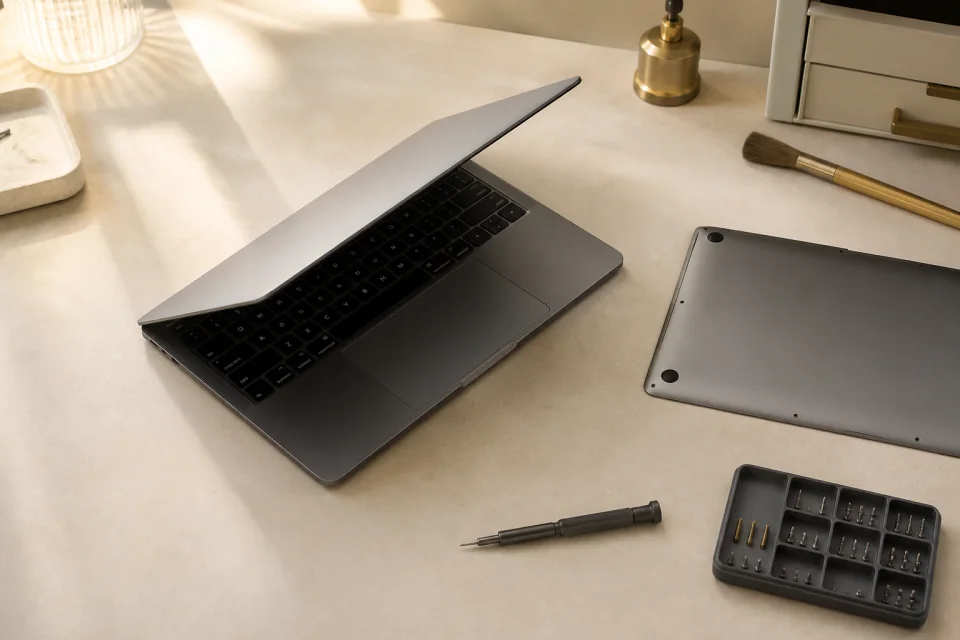
From no-charge & no-boot to display and board faults.
Choose a laptop symptom ↓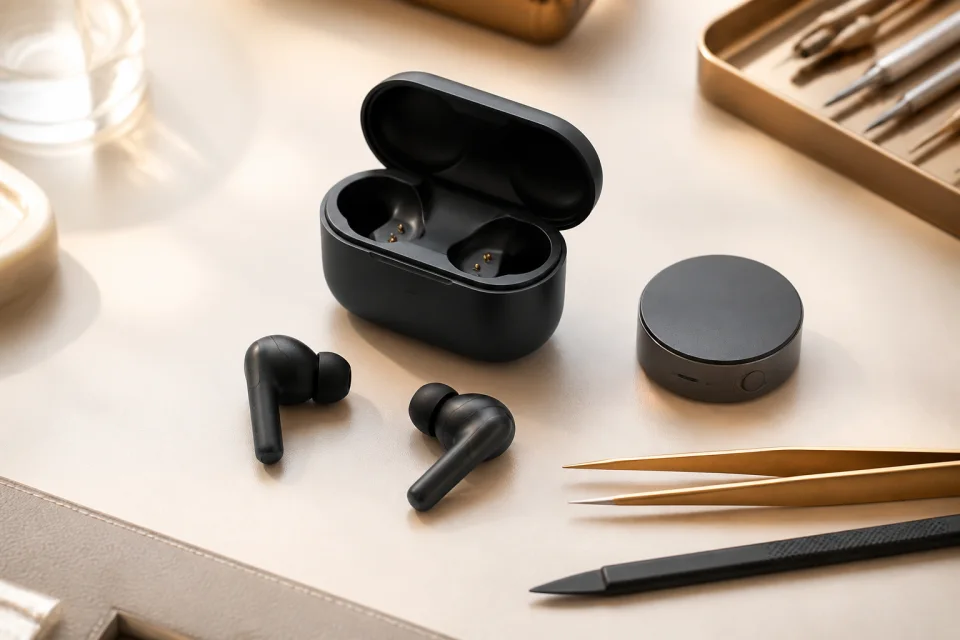
Over 2 years old with short battery life or frequent dropouts? Often battery aging.
Choose an earbud symptom ↓SHEET 02 · REDNOTE REPAIR FEED
PROTOCOL · BEFORE REPAIR
Fault range, diagnosis fees, part options and warranty boundaries are explained before you decide whether to continue.
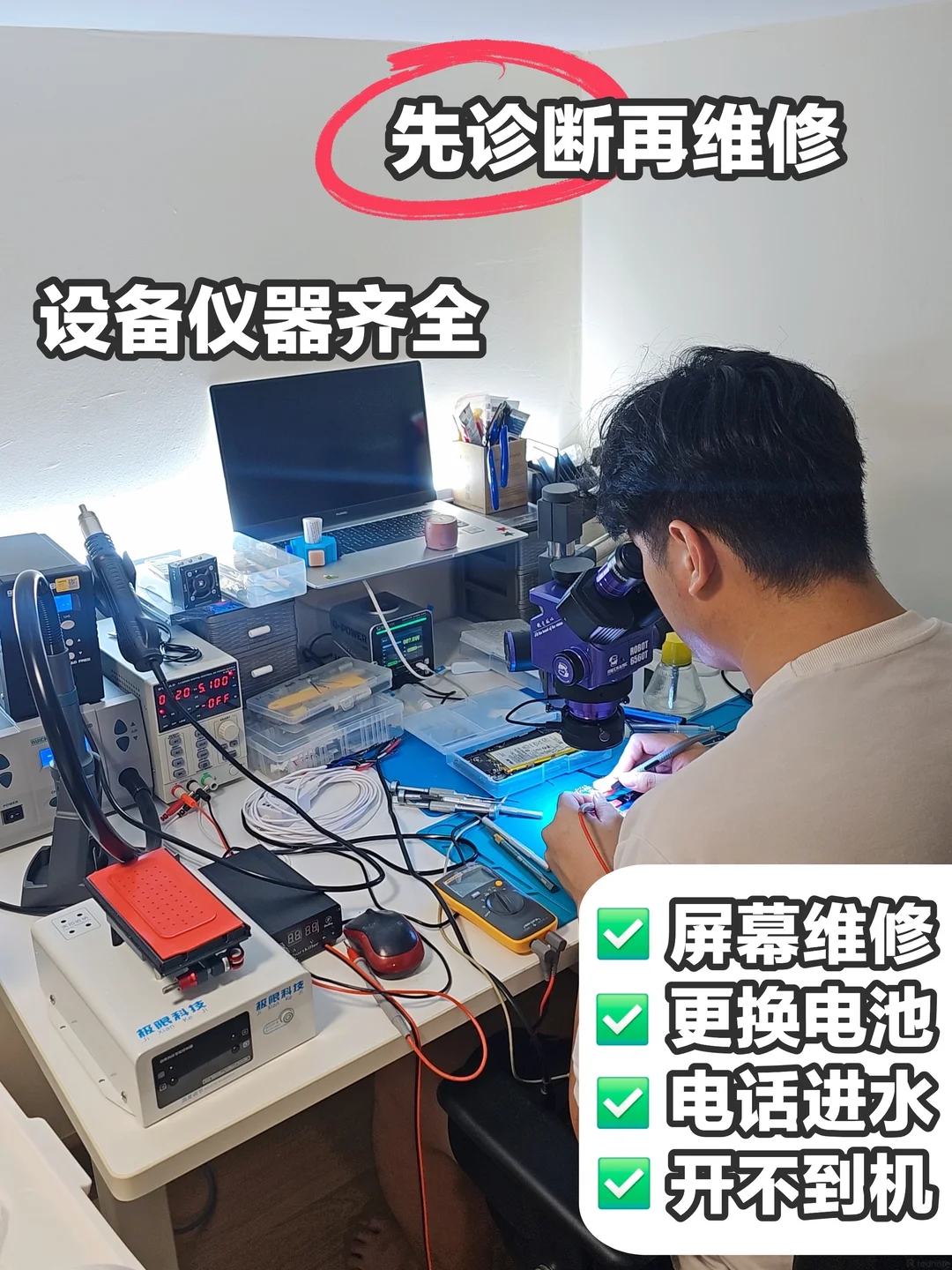
We first narrow the fault to the display, flex, battery, charging line or board instead of guessing one part from one symptom.
You know the inspection directionDiagnosis fees, no-repair fees and the repair quote are explained first; repair starts only after you approve it.
Repair starts after approvalWork stays limited to the fault. If a password or test data is needed, the purpose is explained first.
Password and test-data use is explainedPart grade, price differences, applicable warranty and exceptions are explained before repair.
Part grade and warranty limits are explainedSHEET 03 · SYMPTOM GUIDE
Choose a device, then the closest symptom. Martin will show what he usually checks first and what to prepare; the final result still requires hands-on inspection.
Choose the closest situation
What Martin checks first
Choose the closest symptom on the left. This only groups the next step; it is not a final diagnosis.
Send the model, photos and symptom to Martin ↗This is an initial guide only and cannot replace hands-on diagnosis.
SHEET 04 · SERVICE FLOW
Martin follows the job from device details and quote approval through repair, final testing and return.
SERVICE ROUTE · FIXHUB
Approval before repair. 4 checkpointsTell Martin the device type, model, symptoms, photos and your area.
Confirm time, coverage and cost; nearby JB pickup and return can be free, with pickup after 7:30 PM daily.
Martin explains the fault and cost. Repair starts only after your approval.
After repair, the device is function-tested before return delivery or collection.
SHEET 05 · SHOP LOCATION
The shop is in Bandar Baru Kangkar Pulai, Skudai, JB. Visit in person or use the map to plan your route first.
Send Martin your area and he will confirm coverage and the available timing.
 Microscope inspection
TECHNICIAN 06 · MARTIN
Martin starts by confirming the symptom, then explains the risks, parts and next step before the device is opened.
"Quickly assess the issue, then suggest a suitable repair plan."
SHEET 07 · BEFORE REPAIR
We can point you in the right direction by symptom, but the same symptom can come from different parts; the final cost is confirmed after diagnosis.
 Google Maps